Omarchy TUIs
I started playing around with Omarchy a little bit and I really like it. I love the tiling window manager, I like the aesthetic, and I like the customizations.
One Omarchy concept that I was introduced to was treating TUIs like normal desktop apps. In Omarchy you can open LazyDocker or Claude Code or btop in such a way that it feels like a standalone desktop app. It launches in its own window, you can launch it from your keyboard (via keyboard shortcuts or a launcher), and you’re able to manage it like any other program (e.g. cmd + tab to it).
TUIs on a Mac
While I like using Omarchy, I still use a Mac for work and I wanted similar functionality. Using Alacritty, I was able to create a similar pattern to what Omarchy does.
Let’s take btop as an example.
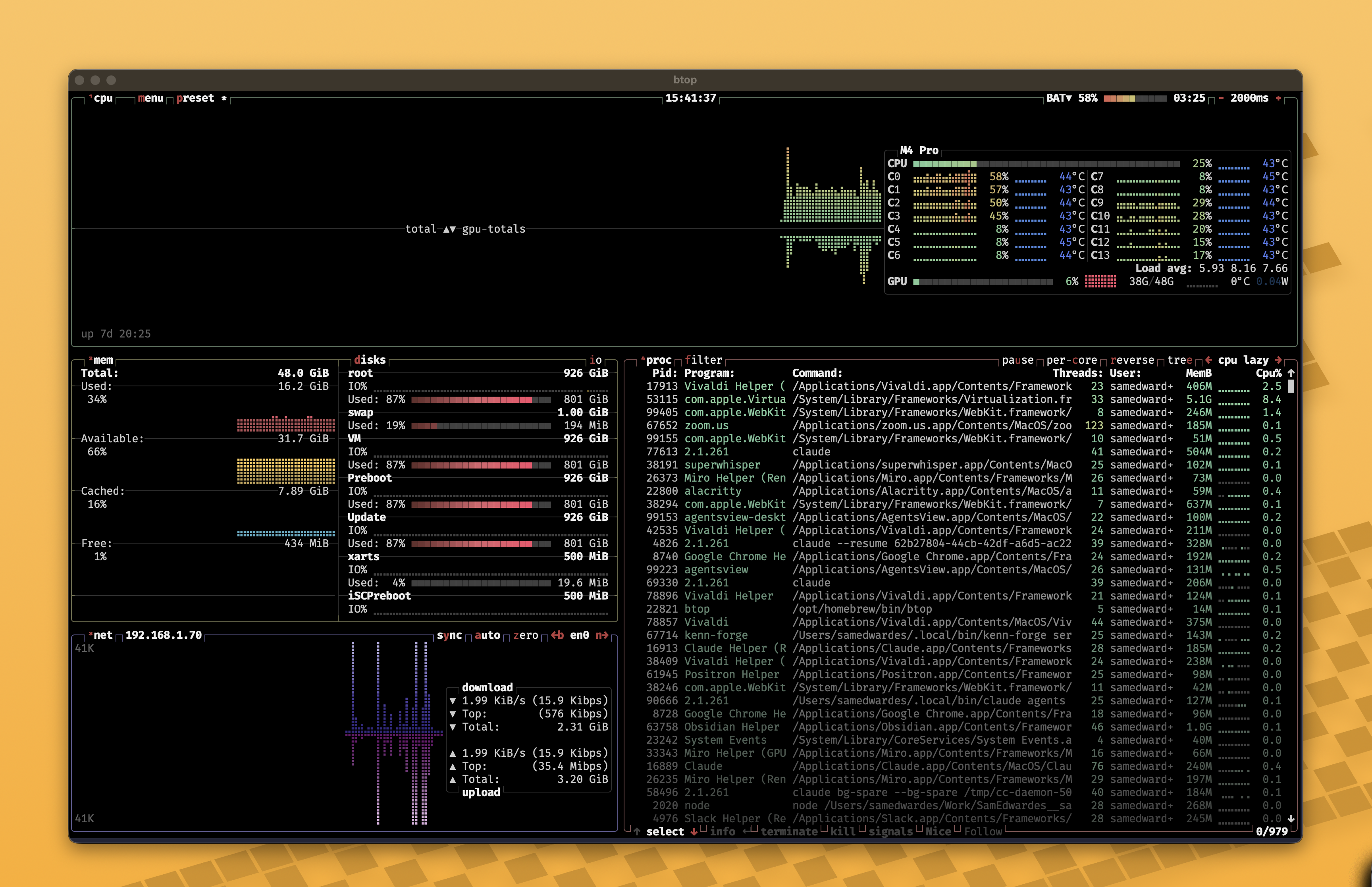
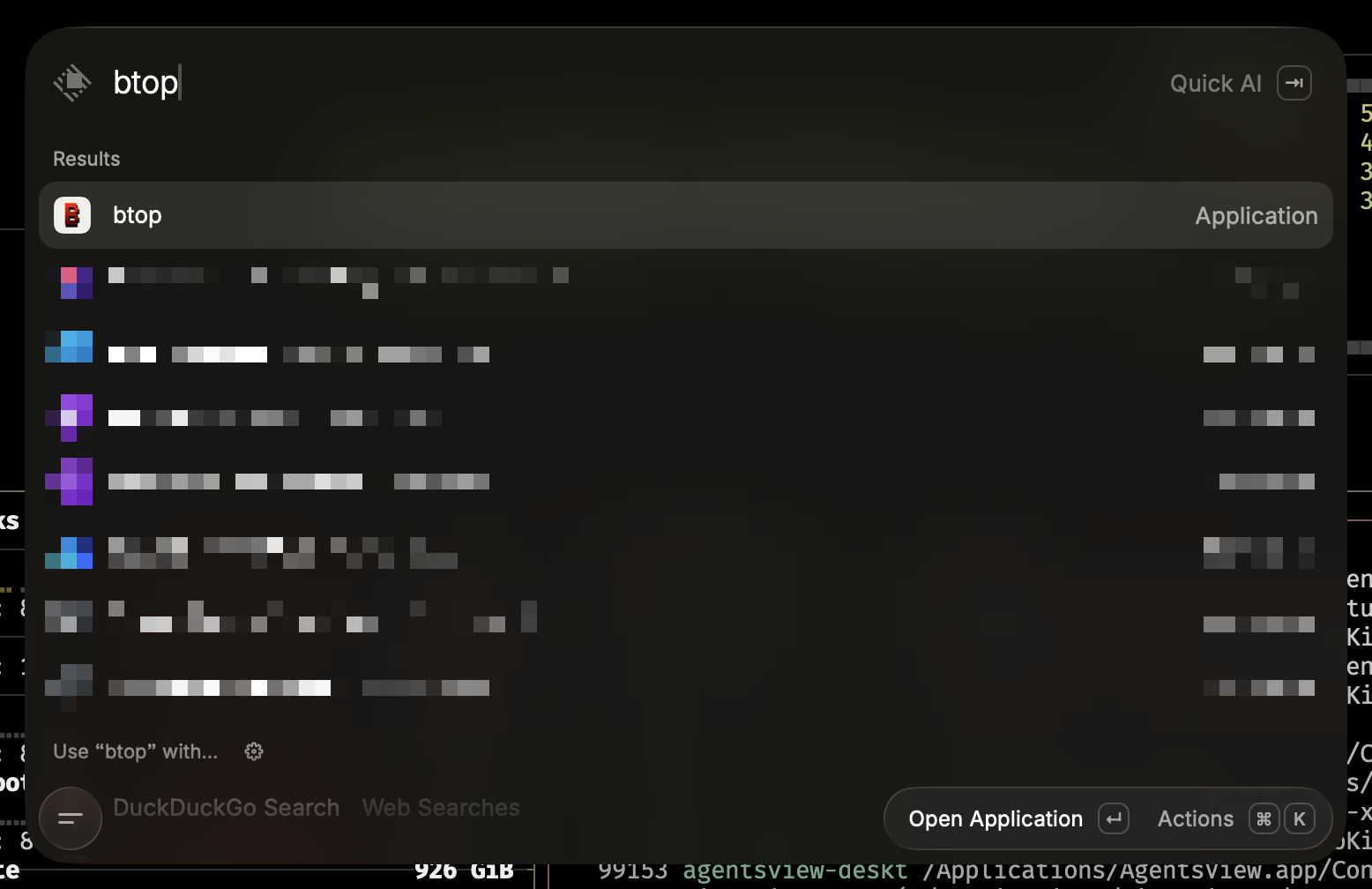
How to create a desktop TUI on a Mac
Creating the desktop TUI was not as hard as I thought. You only need three files and most of it is boilerplate except for the wrapper script.
File tree
~/Applications/btop.app/└── Contents ├── Info.plist ├── MacOS │ └── wrapper └── Resources └── icon.icnsContents/Info.plist
This is entirely boilerplate. You can reuse this for every TUI you create. Make sure to update the name in the second string to match the application. If you change the name of the script as well from something other than wrapper, you should update that as well.
<?xml version="1.0" encoding="UTF-8"?><!DOCTYPE plist PUBLIC "-//Apple//DTD PLIST 1.0//EN" "http://www.apple.com/DTDs/PropertyList-1.0.dtd"><plist version="1.0" ><dict> <key>CFBundleName</key><string>btop</string> <key>CFBundleIdentifier</key ><string>local.tui.btop</string> <key>CFBundleExecutable</key ><string>wrapper</string> <key>CFBundleIconFile</key><string>icon</string> <key>CFBundlePackageType</key><string>APPL</string> </dict></plist>Contents/MacOS/wrapper
This is the most important part of the application. The proper script will be slightly different for each application. My script does two main things. First, it launches BTOP with Alacritty. Second, it uses Raycast to center the window that was just launched. It’s a bit flaky because it runs 0.4 seconds after the app launches so if the app takes too long it doesn’t work. I find that it works most of the time.
#!/bin/bashexport PATH="$HOME/.local/bin:/opt/homebrew/bin:$PATH"export EDITOR="nvim"eval "$("$HOME/.local/bin/mise" activate bash)"
(  sleep 0.4  open -g "raycast://extensions/raycast/window-management/center") &exec /Applications/Alacritty.app/Contents/MacOS/alacritty \  --title "btop" \  -o window.dimensions.columns=180 \  -o window.dimensions.lines=50 \  -e /opt/homebrew/bin/btop
Resources/icon.icns
I had Claude create the icon files for me. Here’s an example prompt you could use to get started.
Make a macOS .icns for <NAME> from <SOURCE> and install it at~/Applications/<NAME>.app/Contents/Resources/icon.icns
- Source priority: official SVG (check the tool's own brew/mise install for  share/icons, then simple-icons) > PNG at 512px+ > another .app's .icns.  Tell me if you have to upscale from under 512px.- Build a 1024x1024 master: squircle background at rect x=32 y=32 w=960 h=960  rx=224, glyph trimmed and centered at ~60% of the canvas.- Render SVG with rsvg-convert, not magick (magick fills gradients black).- Read the master back with the Read tool and actually look at it before you  package. Check legibility at 64px, no fringe on the corners, glyph not  crowding the edges, and enough contrast against the background you chose.- Package 16/32/128/256/512 plus @2x, then iconutil -c icns.- Show me the result at 256px beside my existing ~/Applications icons.
<SOURCE> can be a URL, a file path, a tool name, or nothing at all if you want Claude to go find the logo.
Configuring Alacritty
My Alacritty config is simple. The most important thing is to use a nerd font that supports the many interesting symbols that some of these TUIs use.
[window]decorations = "Full"decorations_theme_variant = "Dark"
[font]size = 14.0
[font.normal]family = "FiraMono Nerd Font"
[colors.primary]background = "#222436"
TUIs that make good apps
I’ve now turned several TUIs into desktop apps:
$ ls ~/Applicationsbtop.app kata.app kenn-forge.app lazydocker.app nvim.app yazi.appEnjoy!